Project Management
The project management interface allows you to manage redirects, pages, and monitor agents for a specific project.
Access it by selecting a namespace and project from the project switcher, or via URL: /:namespace/:project/
Navigation
The sidebar provides access to:
- Dashboard - Project overview and statistics
- Redirects - Manage HTTP redirections
- Redirect Tester - Test redirect rules
- Pages - Manage static pages
- Agent Status - Monitor connected agents
Dashboard
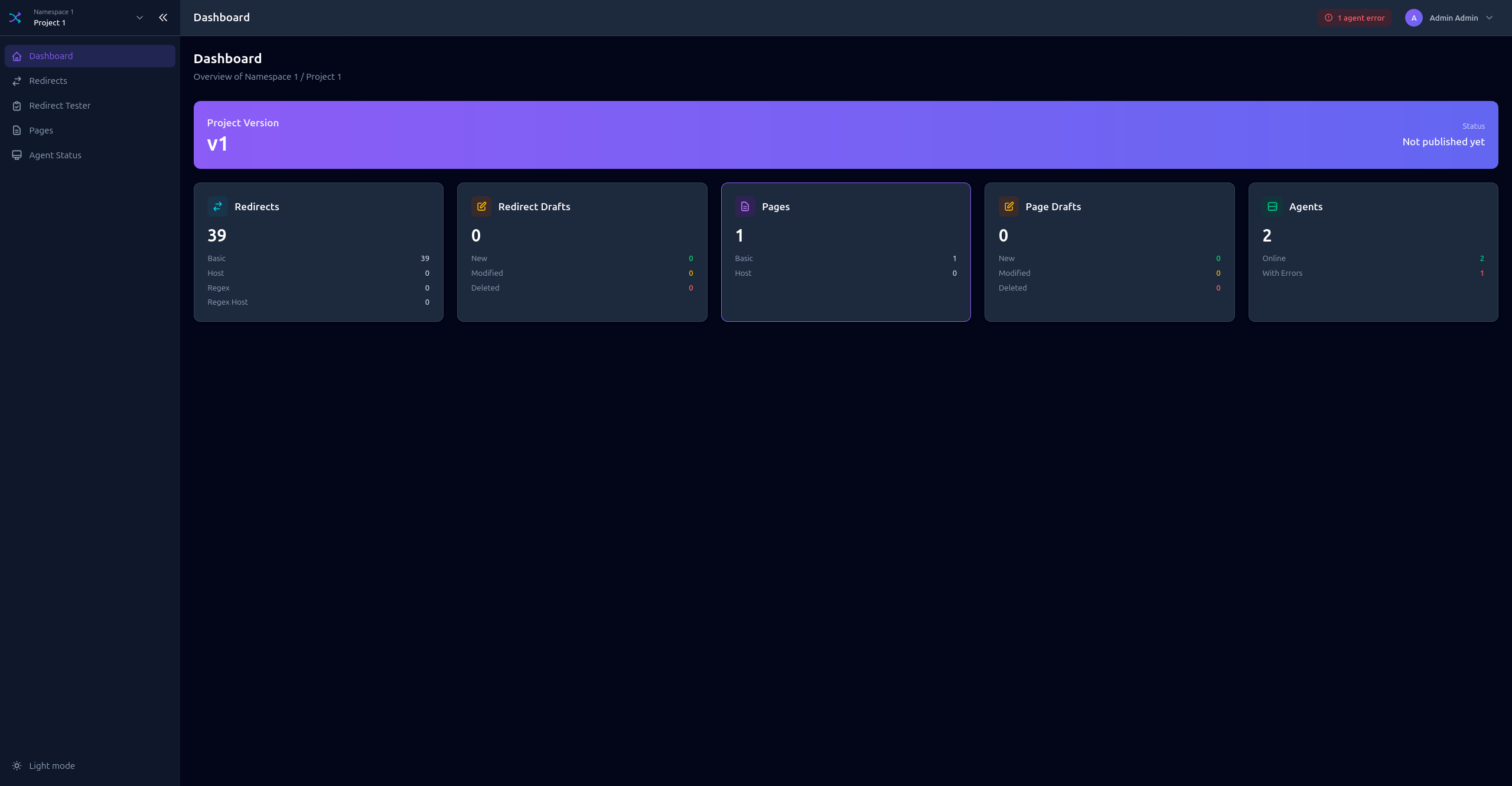
The project dashboard shows an overview of your project with key metrics:
- Total redirects (published/drafts)
- Total pages (published/drafts)
- Connected agents status
- Recent activity
Redirects
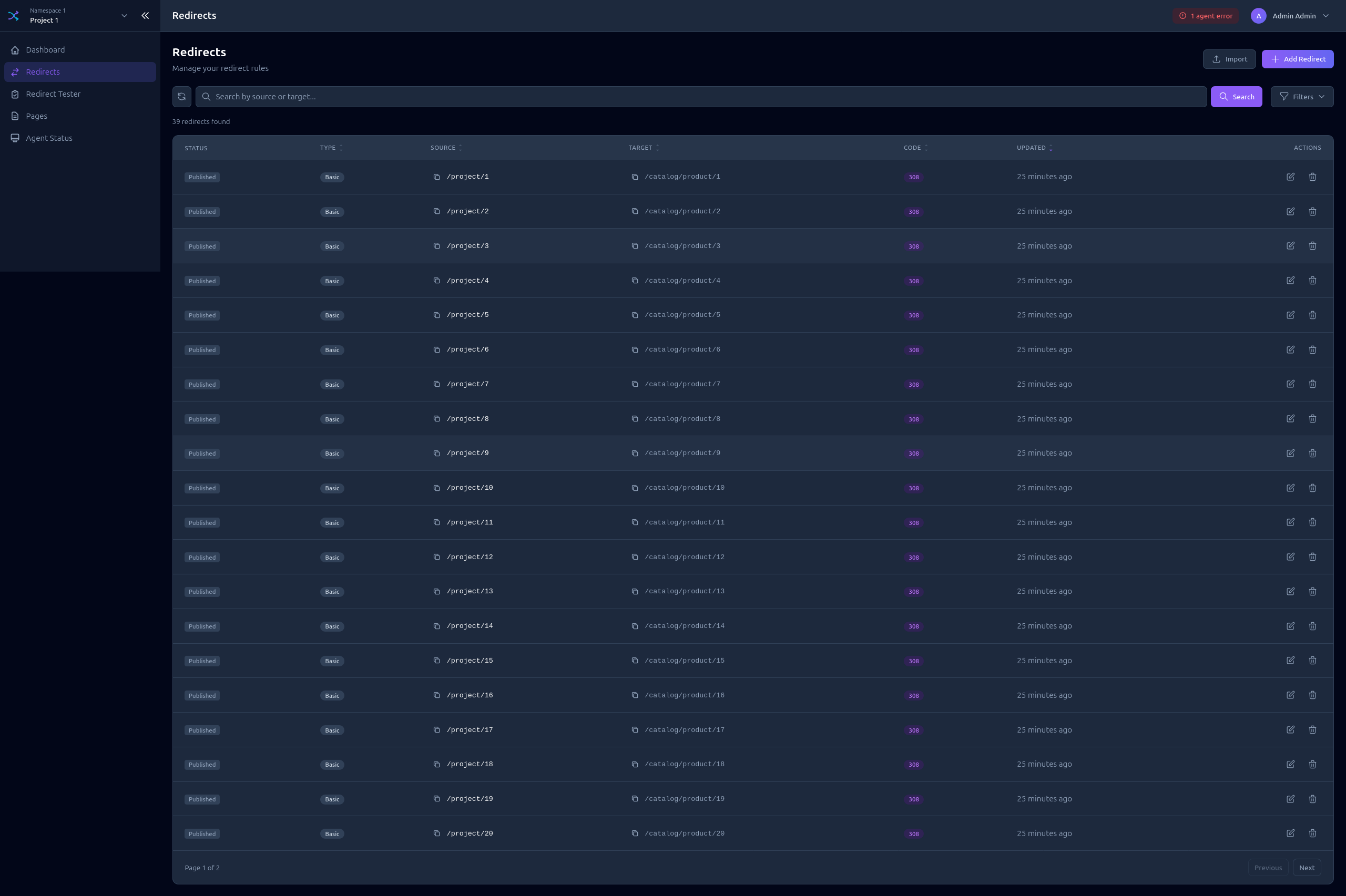
Redirects List
View all redirects with filtering and search capabilities.
Features:
- Search by source or target
- Filter by type (BASIC, BASIC_HOST, REGEX, REGEX_HOST)
- Filter by status code
- Sort by columns
- View draft changes
Creating a Redirect
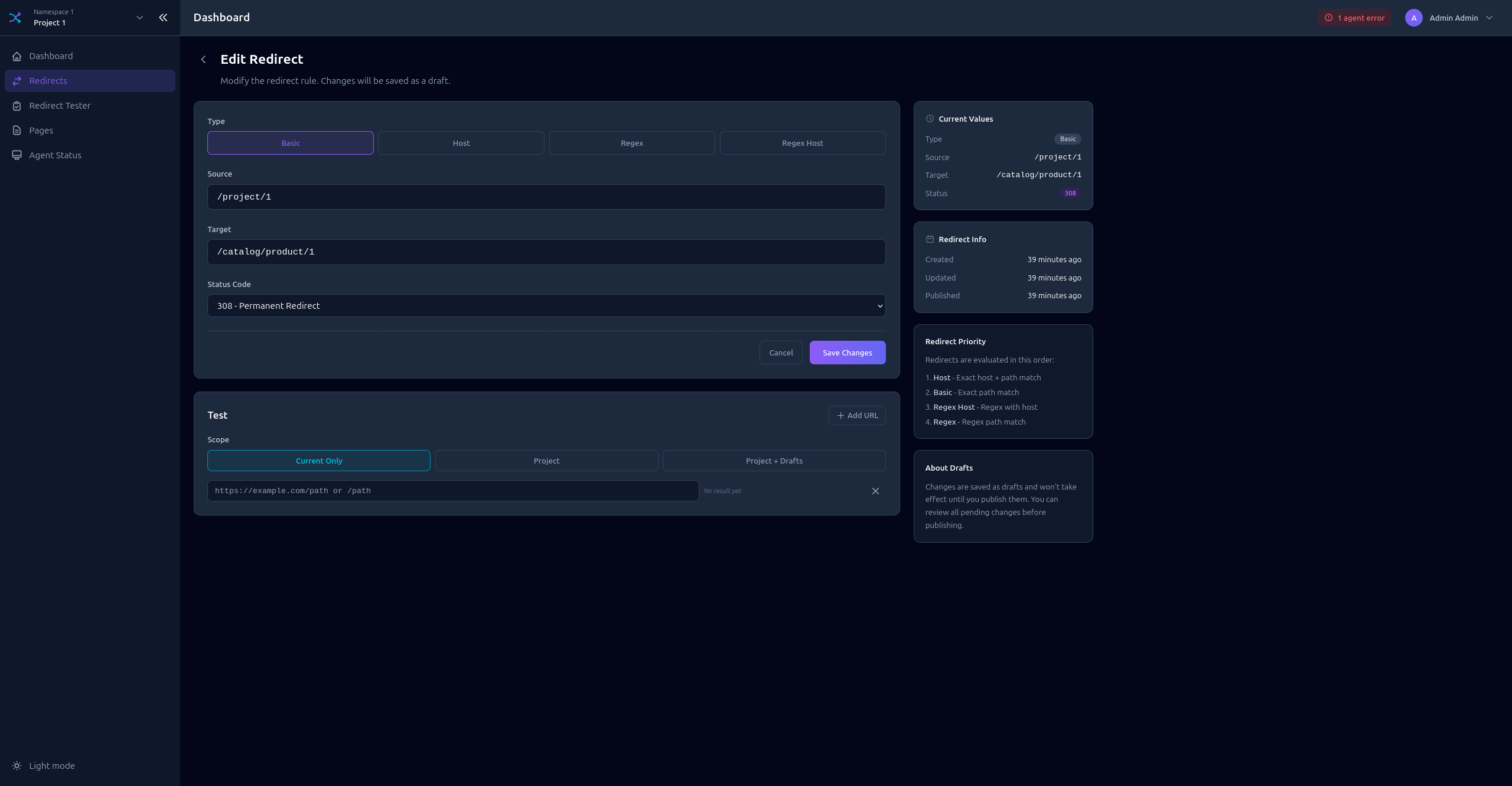
Click Add Redirect to open the form:
- Select the redirect Type
- Enter the Source path or pattern
- Enter the Target URL
- Select the Status code (301, 302, 307, 308)
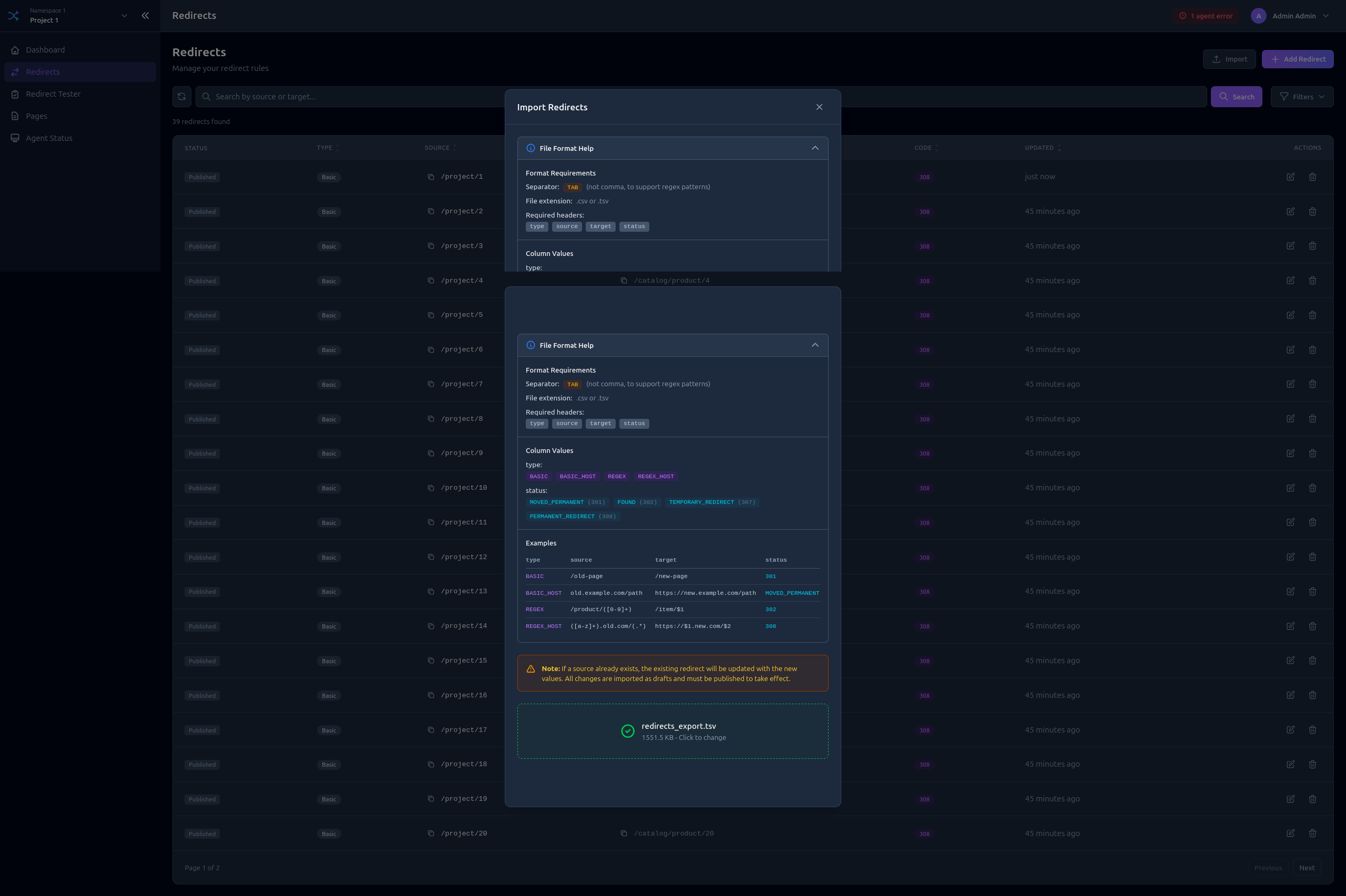
Bulk Import
Import multiple redirects from a TSV file:
- Click Import
- Select your
.tsvor.csvfile - Choose whether to Overwrite existing redirects
- Review the import preview
- Confirm import
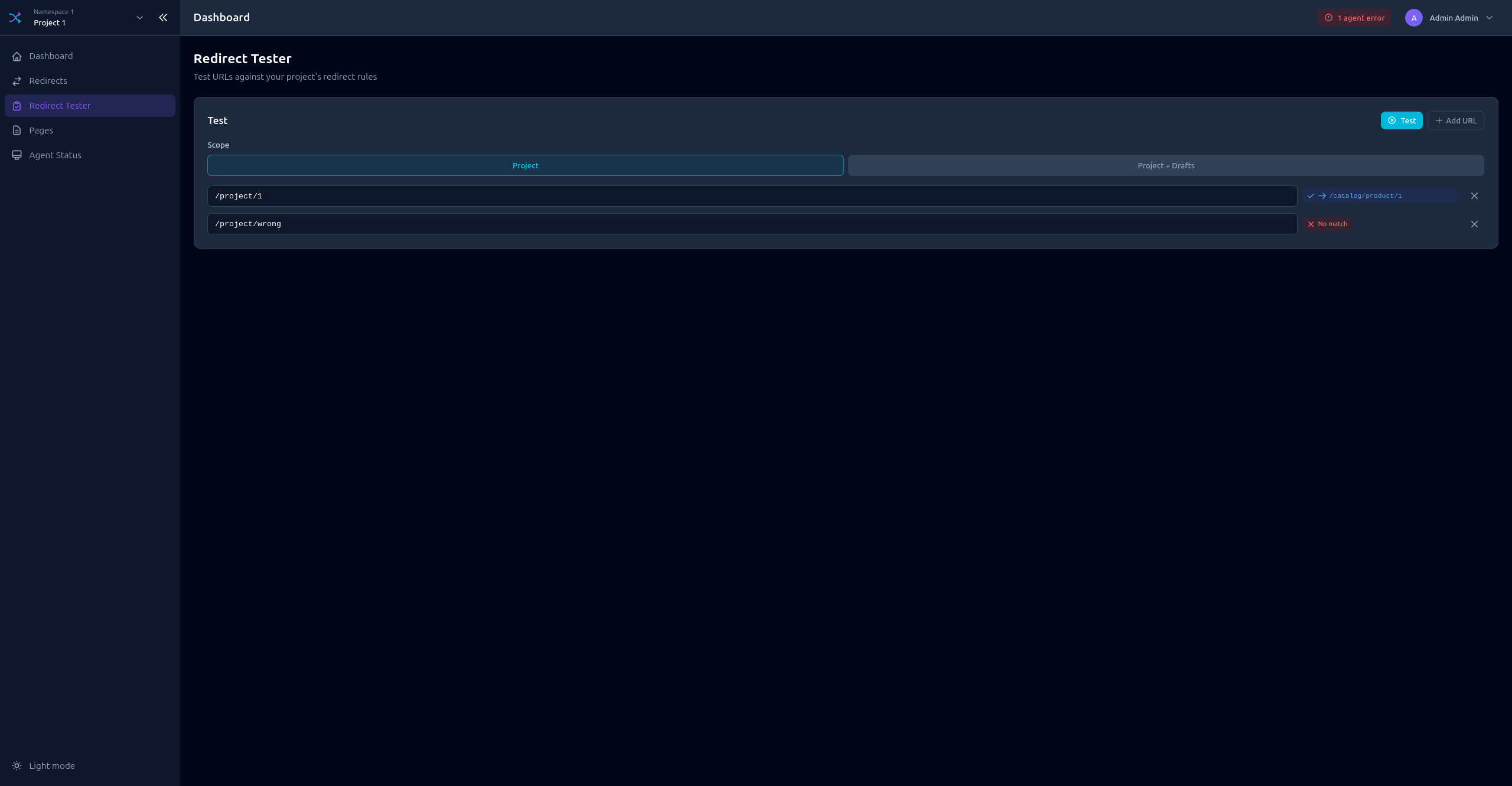
Redirect Tester
Test your redirect rules before publishing:
- Enter a Host and URI to test
- Click Test
- See which redirect rule matches (if any)
- View the resulting redirect target and status
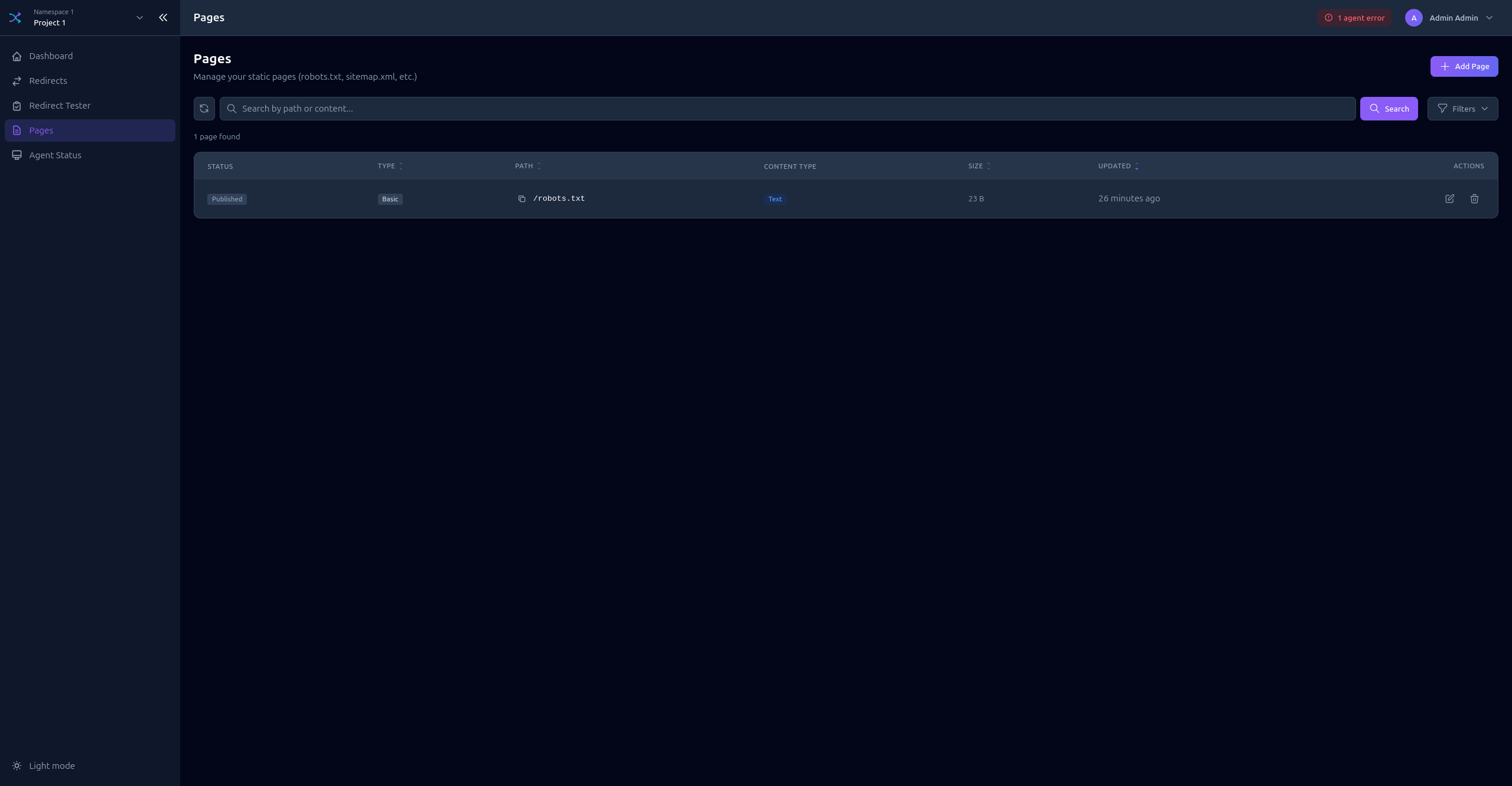
Pages
Pages List
View all static pages in the project.
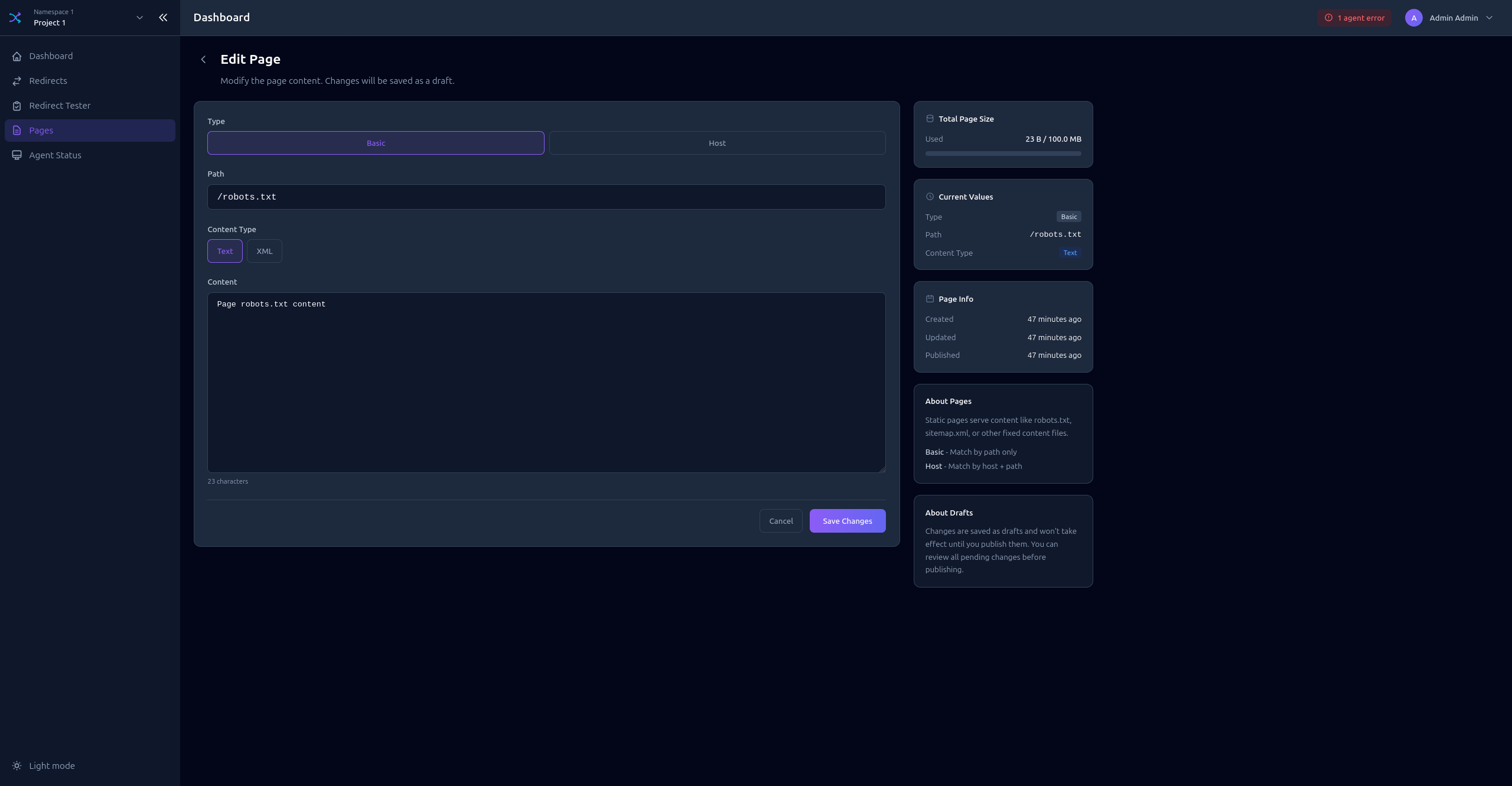
Creating a Page
Click Add Page to open the form:
- Select the page Type (BASIC, BASIC_HOST)
- Enter the Path
- Select the Content Type (TEXT_PLAIN, XML)
- Enter the Content
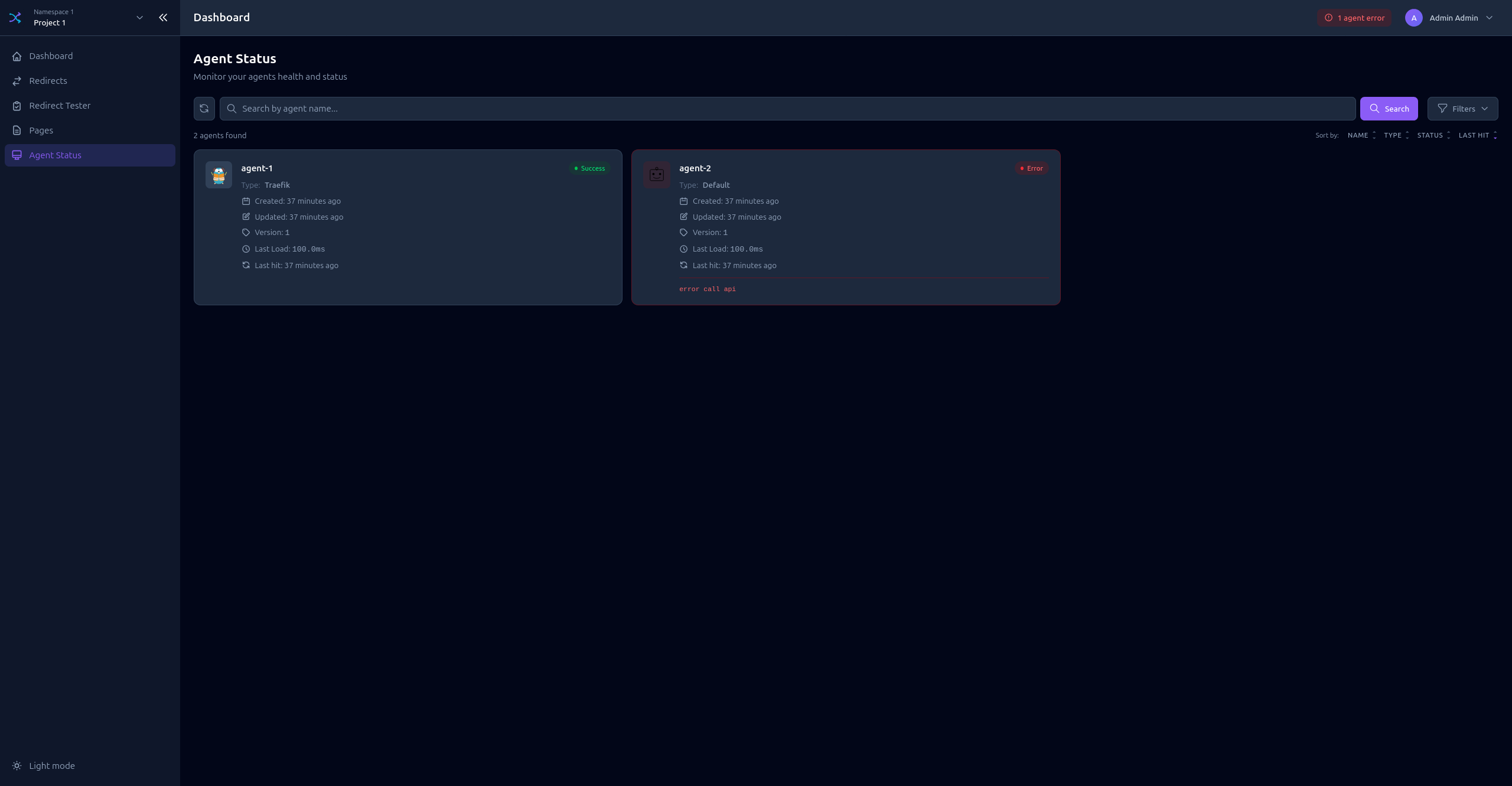
Agent Status
Monitor agents connected to this project:
- Online agents (synced recently)
- Offline agents (no sync within threshold)
- Agent name, type, and version
- Last sync timestamp
Draft System
All changes are saved as drafts before publishing.
Draft States
| Indicator | State | Description |
|---|---|---|
| Green | Published | Live configuration, no pending changes |
| Yellow | Modified | Has unpublished changes |
| Blue | New | Created but not yet published |
| Red | Deleted | Marked for deletion |
Publishing Changes
- Publish All - Apply all pending changes at once
- Publish Individual - Publish specific items
- Discard - Revert draft changes
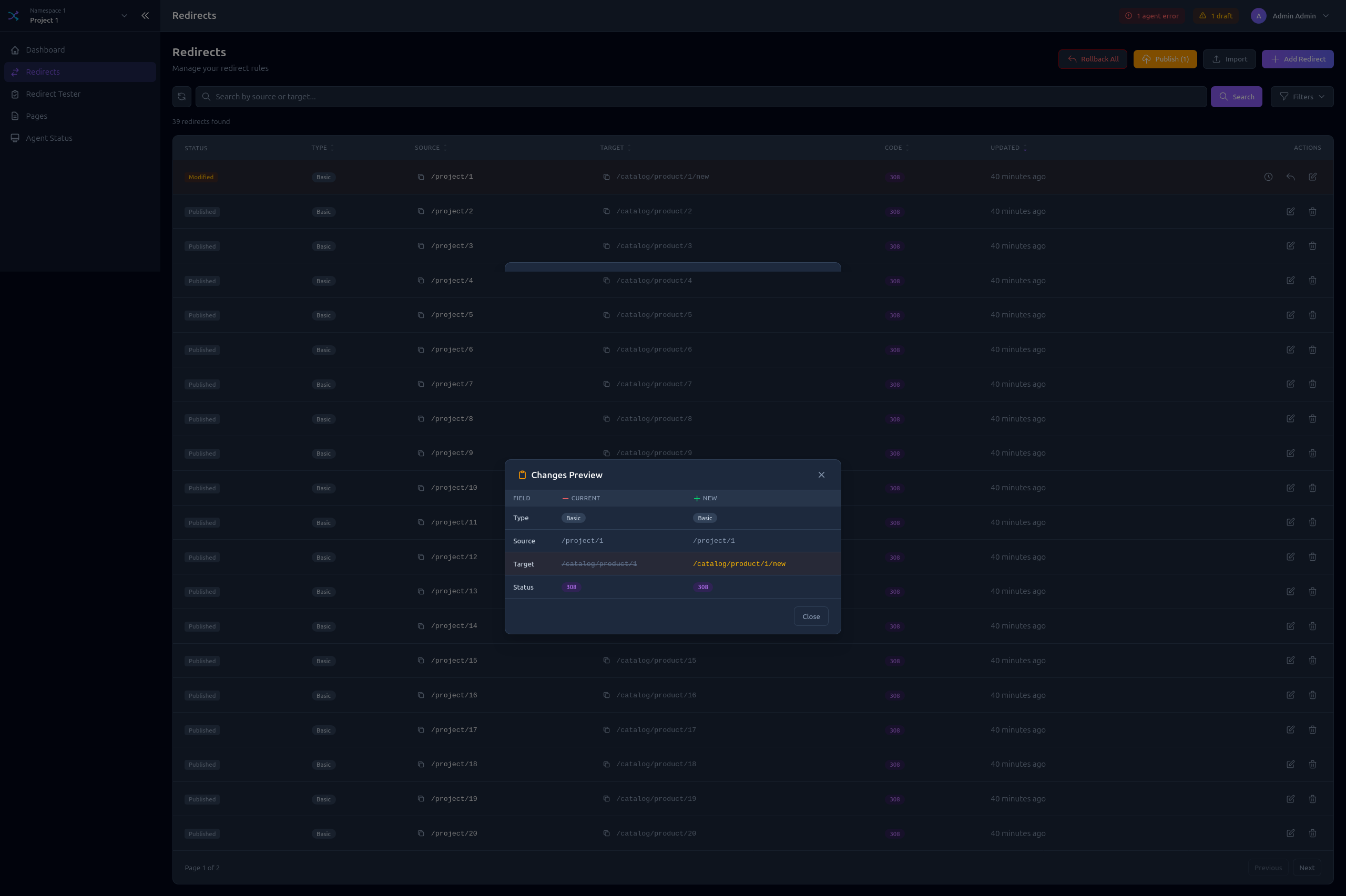
Viewing Changes
Click on a modified item to see the diff between published and draft versions.